GO444 Deposit & Withdraw
Managing payments is an important part of the GO444 experience for users in Bangladesh. The platform keeps deposit and withdrawal controls inside the account wallet, allowing players to manage their balance without moving through multiple sections.
Bangladeshi users may find familiar local payment choices such as bKash, Nagad, and Rocket when these methods are available in their game cashier. The exact options, transaction limits, and processing requirements can vary, so users should always check the information displayed in their account before confirming a payment.
For a smoother transaction, make sure the payment details are correct and keep the transaction reference until the balance has been updated. The same care is useful when withdrawing, especially when entering a mobile wallet number.
How to Deposit Money?
Adding funds to your account can be completed directly through the wallet. Before starting, sign in to the correct account and make sure your preferred payment method is currently displayed.
- Log in and select the Deposit option from the wallet or account dashboard.
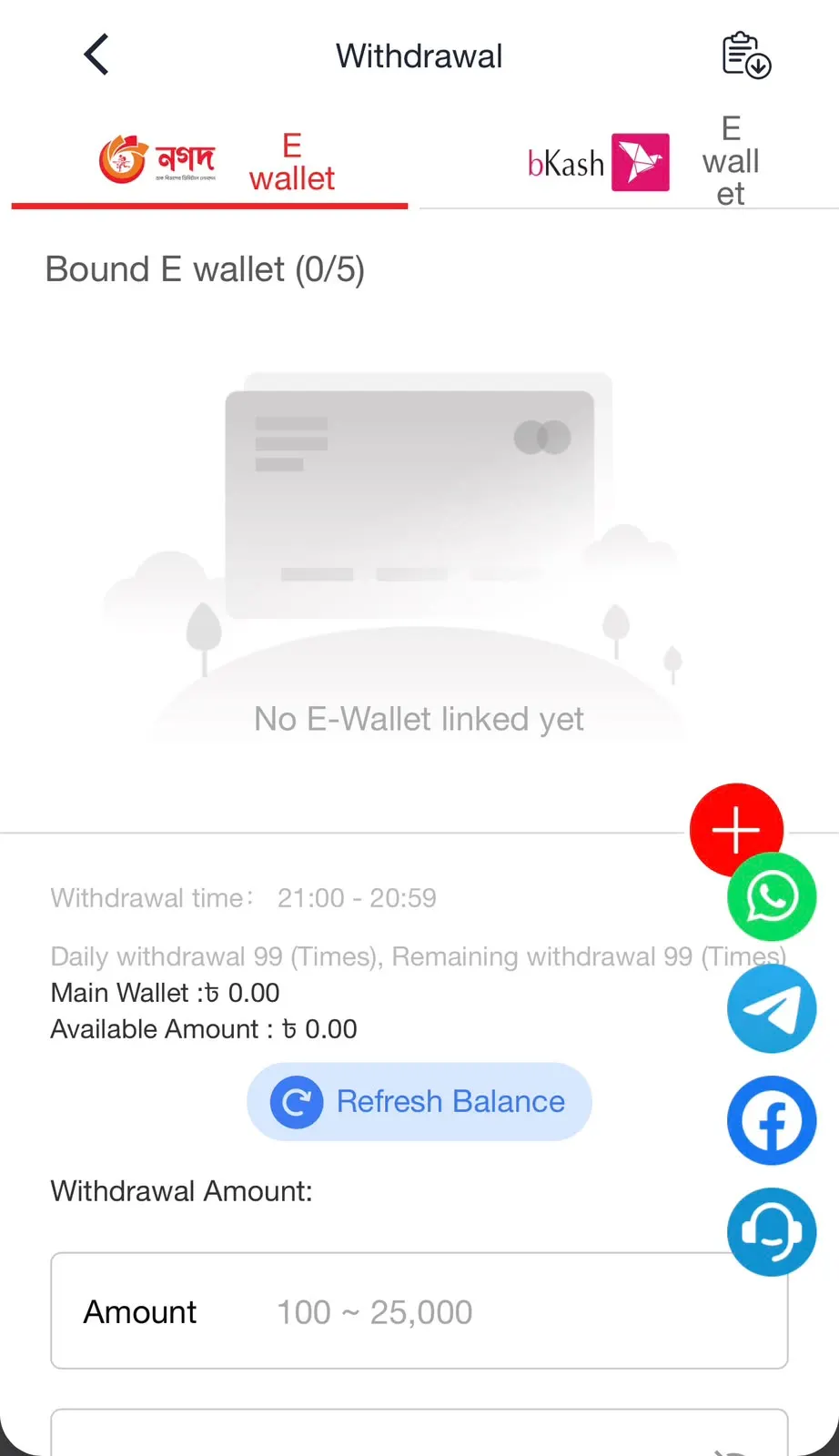
- Select an available Bangladesh payment option. Depending on current availability, this may include bKash and Nagad.
- Type the amount you want to add while following the minimum and maximum limits shown in the cashier.
- Carefully review the wallet number, amount, and any instructions GO444 displays before sending money.
- Follow the on-screen steps for your selected payment service and confirm the transaction.
- If the app requests a transaction ID or other payment confirmation, enter the information exactly as it appears in your payment record.
How to Withdraw Money?
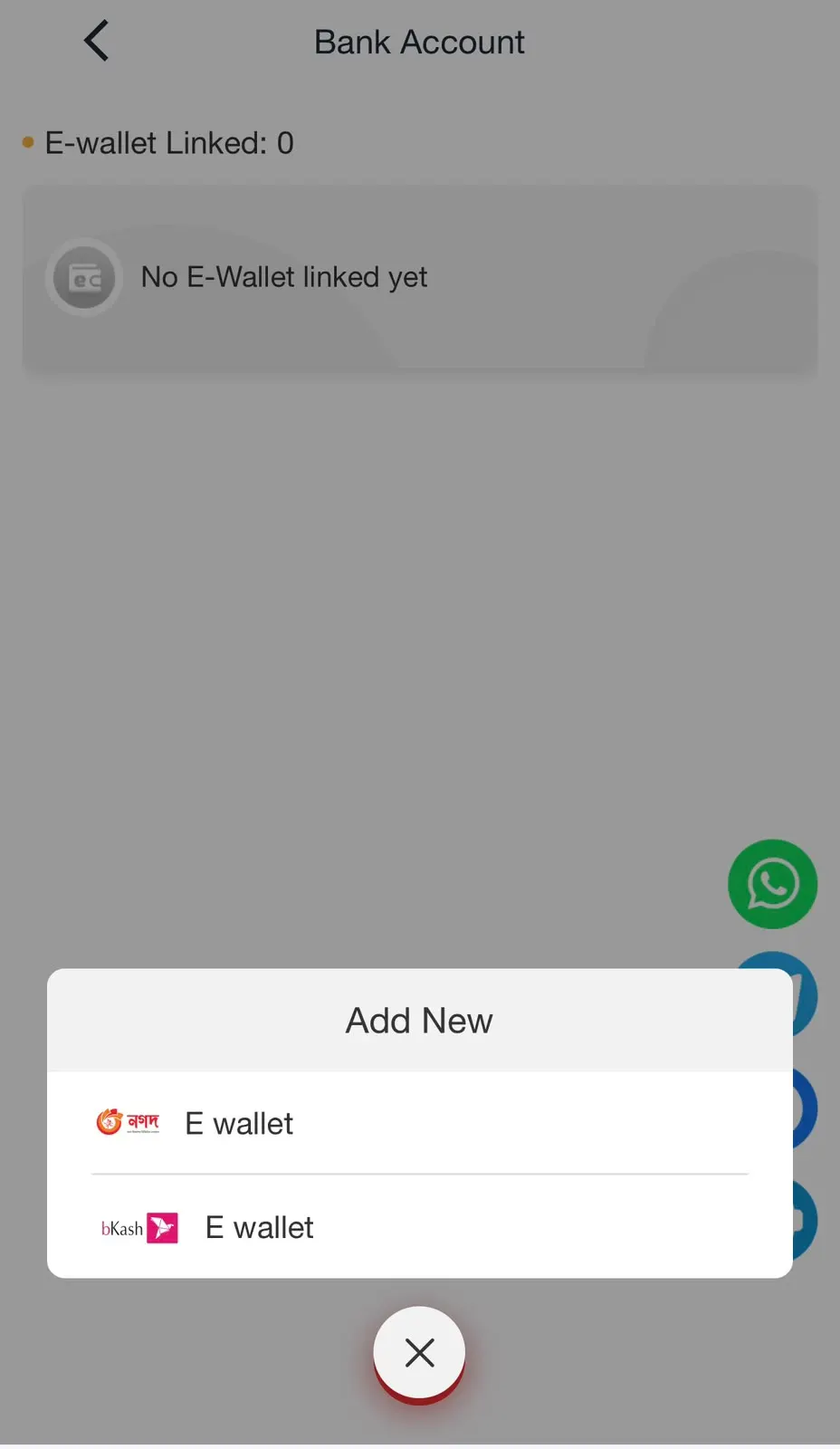
GO444 users can submit eligible withdrawal requests from the account wallet. Using accurate payment information is particularly important because an incorrect mobile wallet number can cause unnecessary transaction problems.
- Sign in to the app and open the Withdraw section from your wallet.
- Choose your preferred withdrawal option from the payment methods currently shown for your account.
- Add the amount you want to withdraw while staying within the limits displayed on the withdrawal page.
- Enter the requested bKash, Nagad, Rocket, or other supported account information carefully.
- Check the withdrawal amount and receiving account details before moving to the final step.
- Confirm the withdrawal and allow GO444 to process the request according to its current account and payment requirements.
GO444 Payment Options in Bangladesh
The earning app can provide different payment choices depending on what is currently available in the cashier. Local mobile financial services make account transactions more familiar for Bangladeshi users.
- bKash: A convenient option for users who already manage everyday mobile transactions through bKash.
- Nagad: Another familiar Bangladesh payment method that may appear for eligible deposits or withdrawals.
- Rocket: Users may also find Rocket among the supported local wallet choices when available.
- Other Methods: The app may introduce additional payment channels, so checking the live cashier is the best way to see current options.
Tips for Smooth Transactions
- Check Your Wallet Number: Review every digit before submitting a deposit or withdrawal.
- Follow Current Limits: Use the minimum and maximum transaction amounts displayed directly in your account.
- Keep Transaction Records: Save your transaction ID or payment confirmation until the balance is successfully updated.
- Use Your Own Payment Details: Keeping account and payment information consistent can make transaction management easier.
- Check Withdrawal Requirements: Make sure any applicable account verification or promotional requirements have been completed before requesting a withdrawal.
- Avoid Repeated Requests: If a transaction is already processing, check its status before submitting the same request again.
- Contact Support When Needed: If a completed payment does not appear correctly, provide customer support with the relevant transaction details so they can review it.